Train smarter.
Get stronger.

GymLoad is your training partner for strength and muscle building: log sets in seconds, smart plans, Apple Watch heart rate and a 1RM history that shows your progress in black and white.

4.400+
Exercises
10.500+
exercise images
7 days
Pro free
GymLoad App
4.400+
exercises in the catalog
10 regions
anatomically organized
8 splits
Full-body to bro split
Apple Watch
Heart rate & calories live
Exercise library

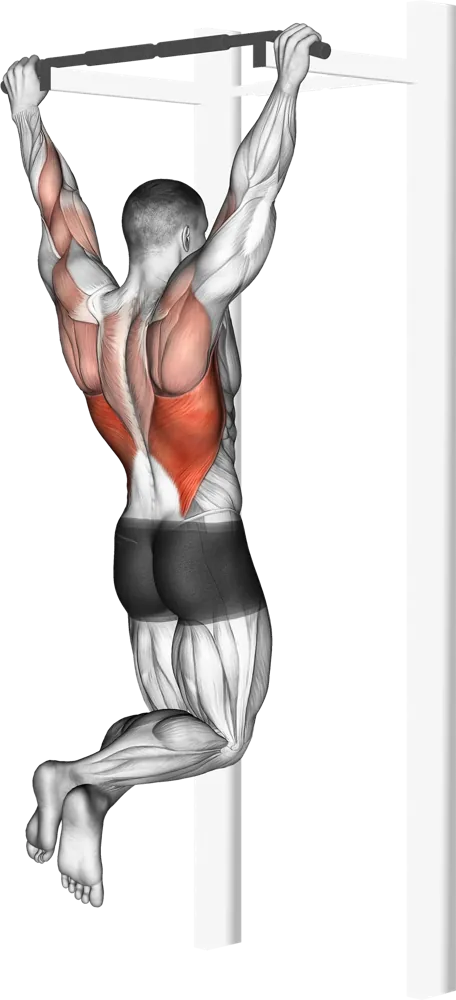
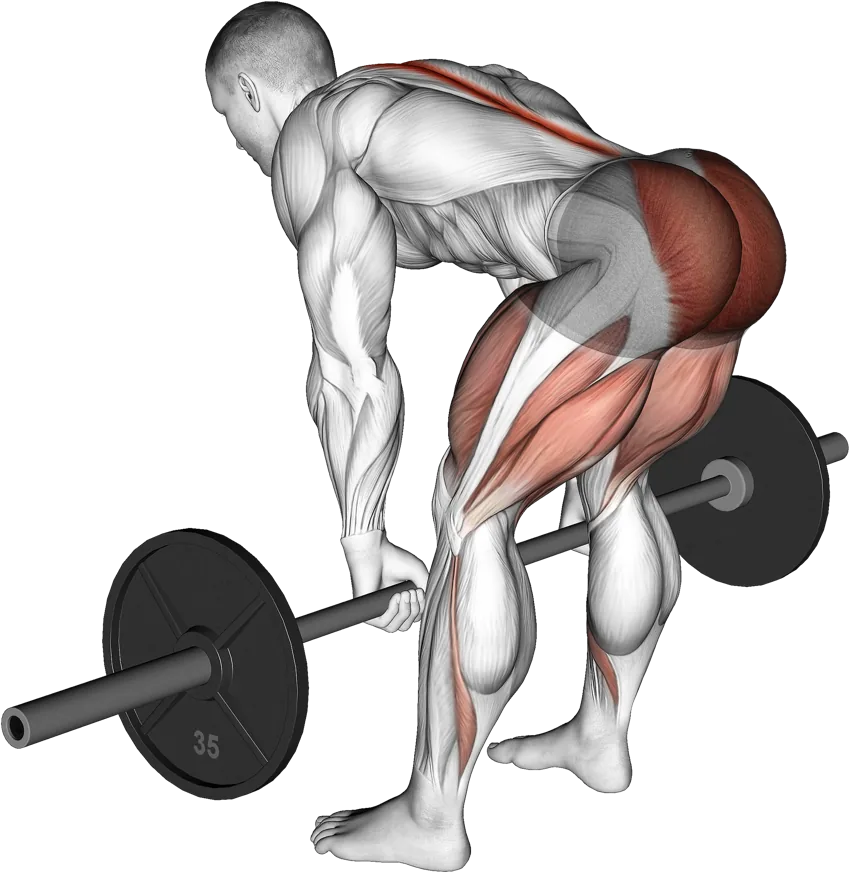
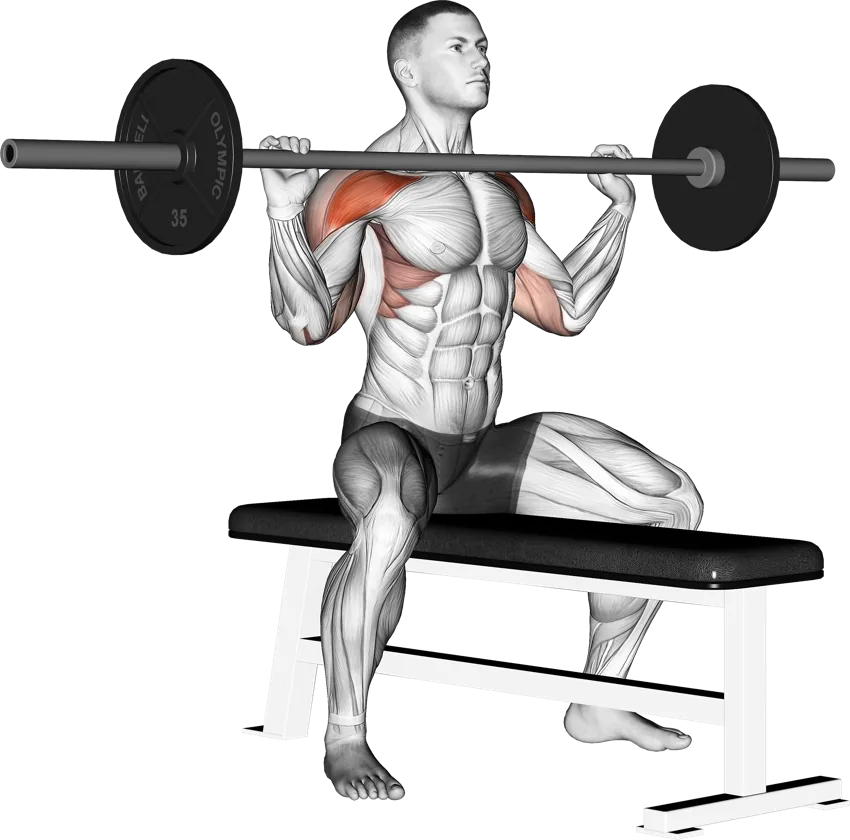
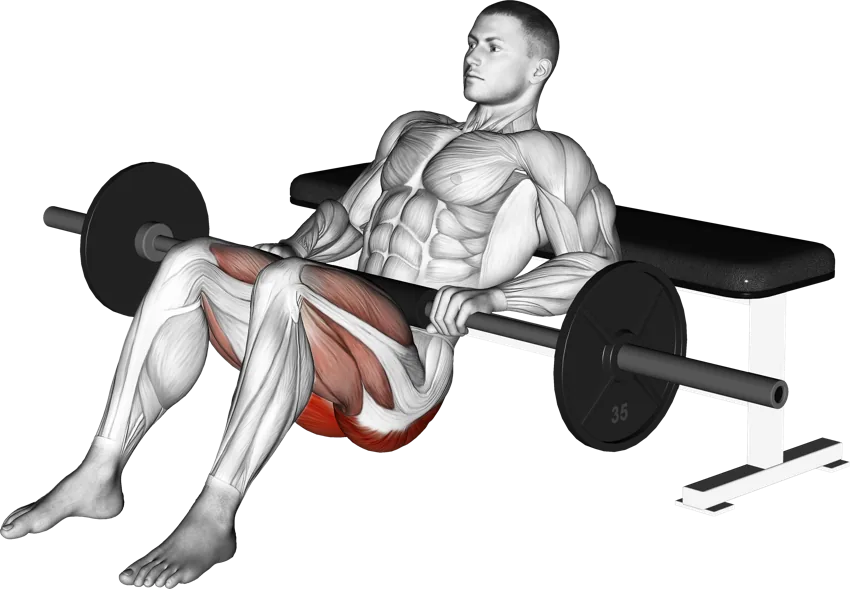
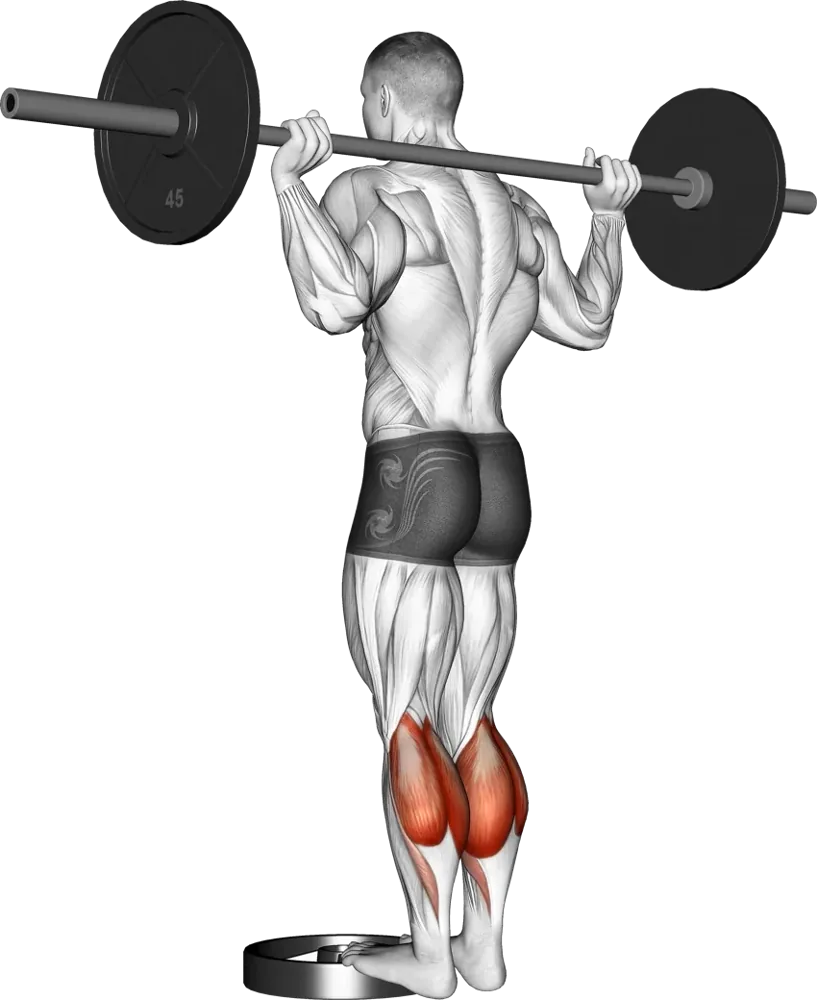
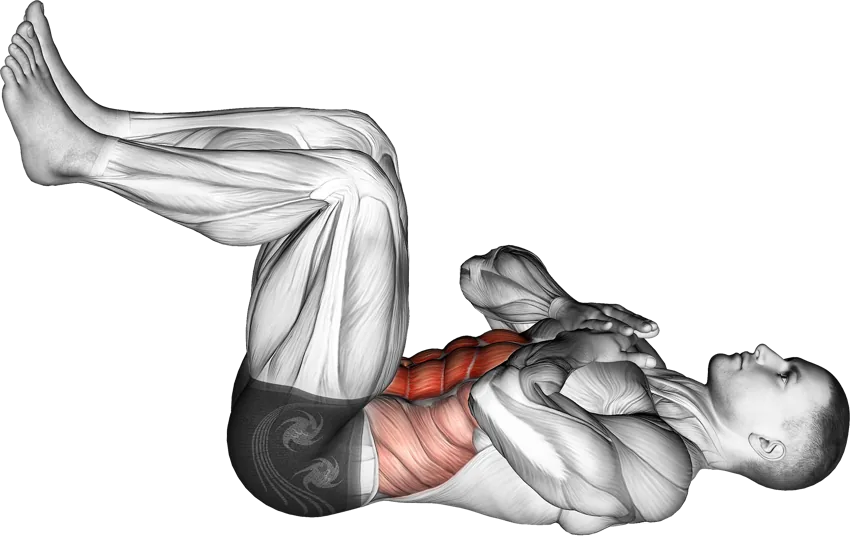
More than 4,400 exercises – with images for every movement

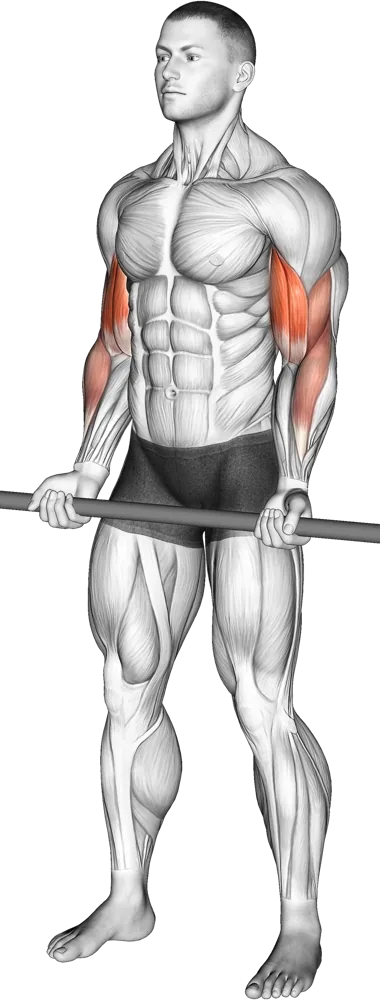
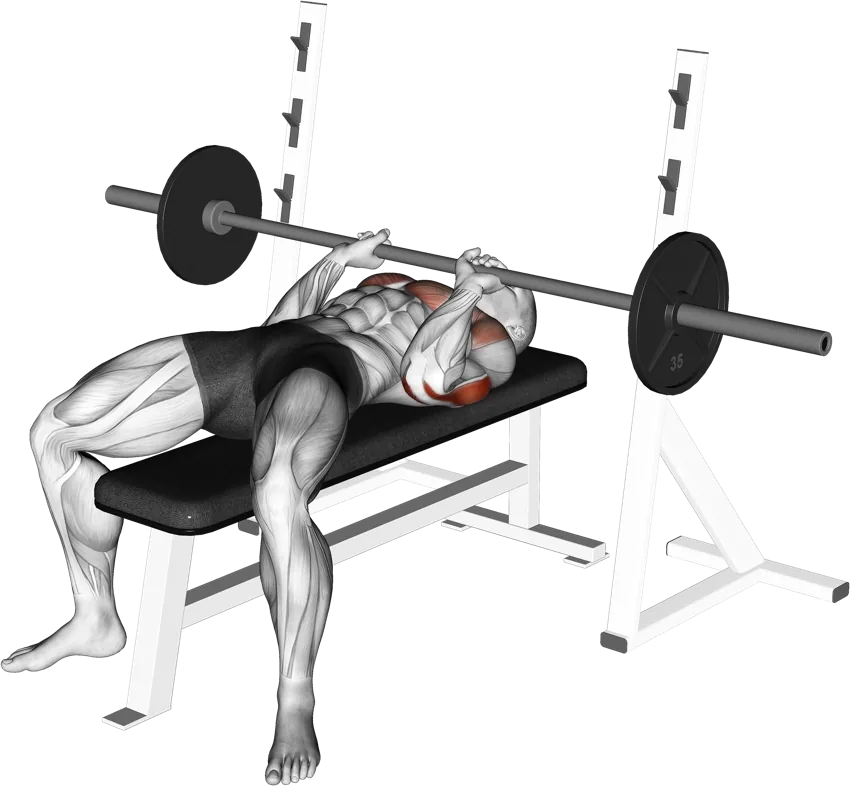
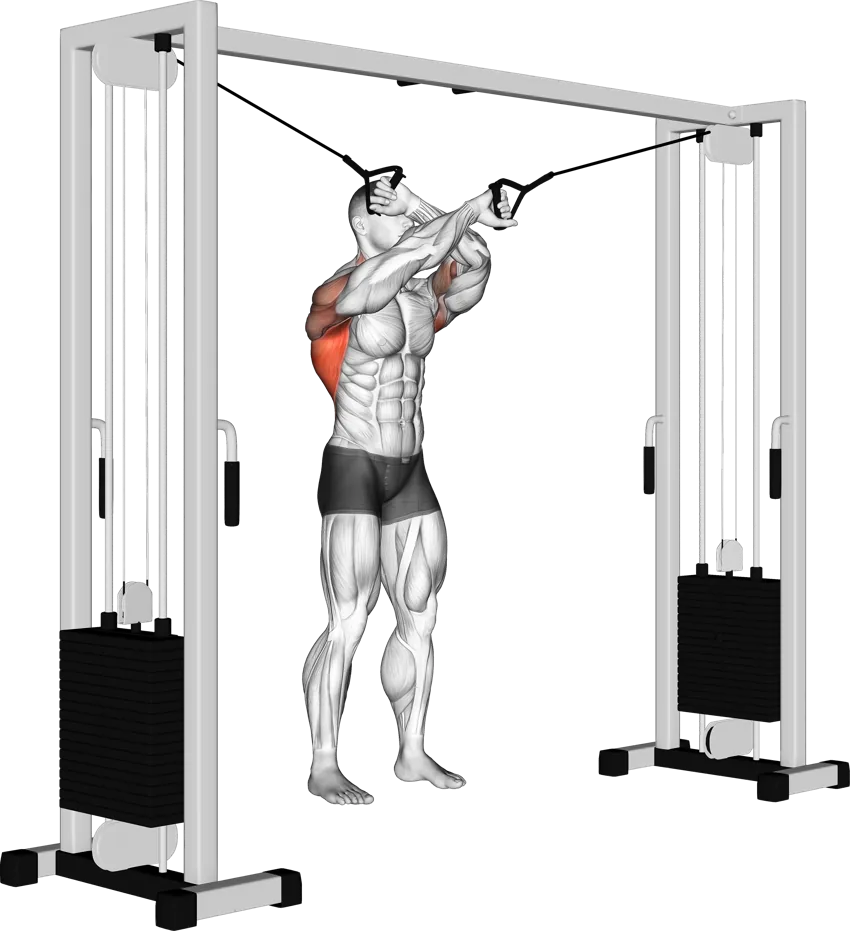
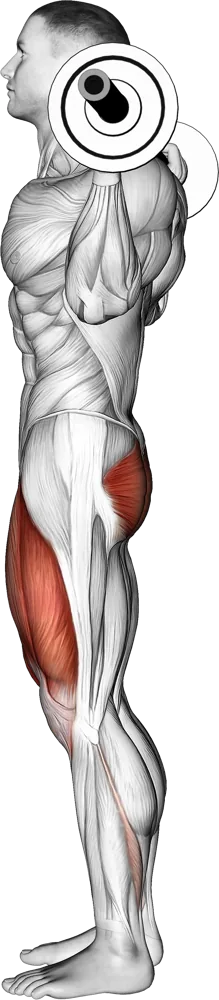
Every exercise has step-by-step phase images, target muscles and proper form cues – from the 100 essential basics to the complete catalog.

🖼️ Every exercise with multiple phase images  ·  🎯 Target & synergist muscles  ·  🔎 Search & filter
Muscle targeting

Target every muscle precisely

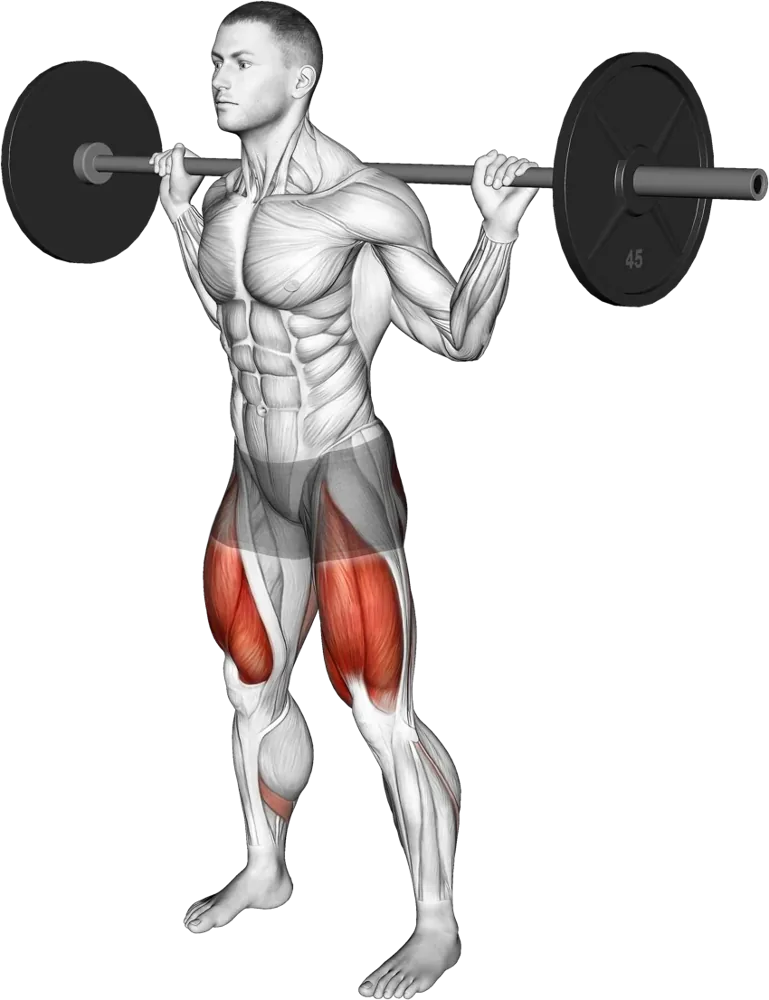
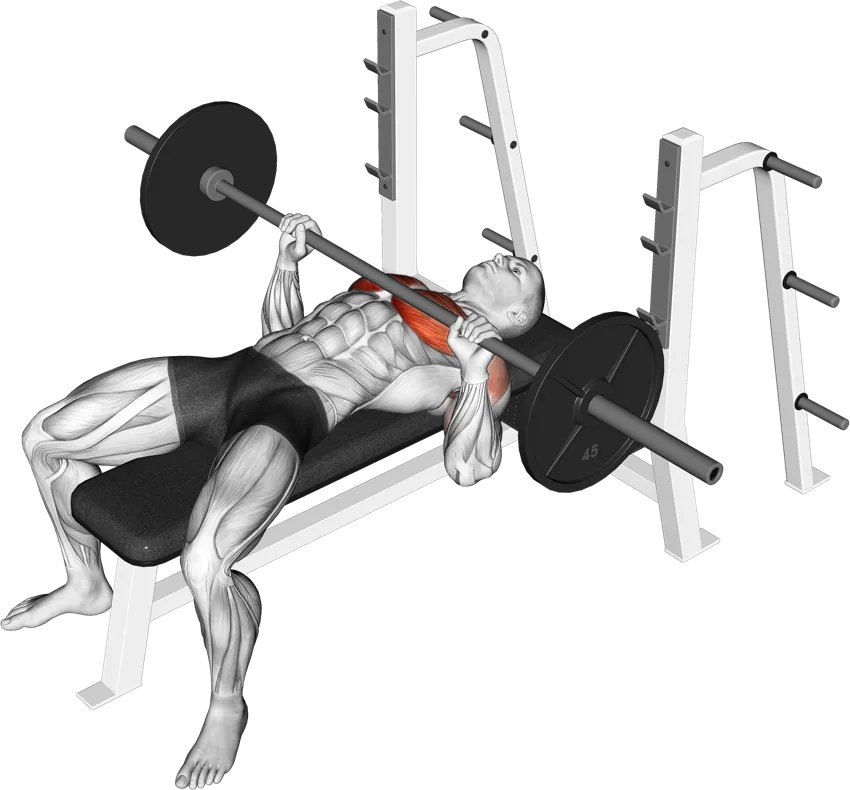
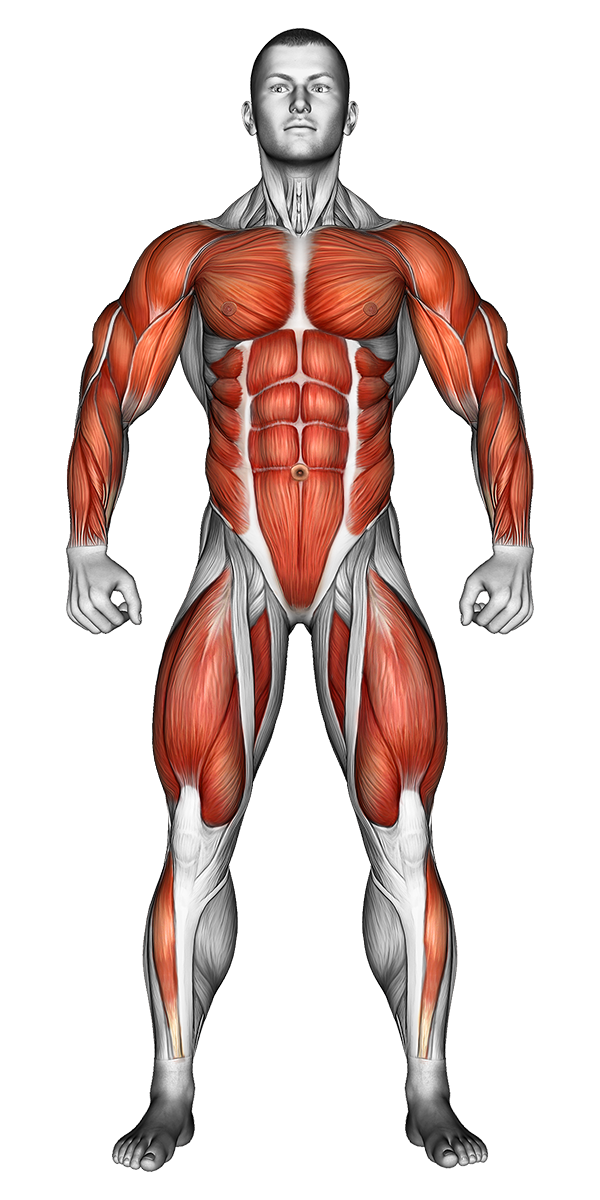
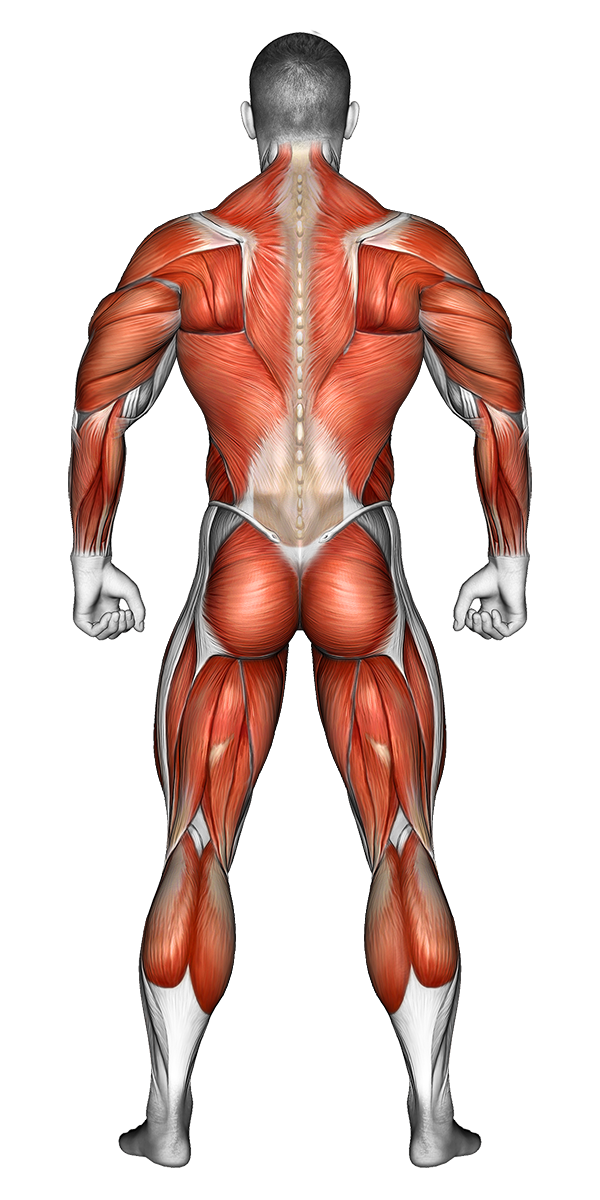
For every exercise, GymLoad shows the muscles worked – target and synergists – on an anatomical map. Train in balance and instantly see what's missing.

Muscles front view
Front view
Chest Back Shoulders Biceps Triceps Abs Legs Glutes Calves Forearms

10 regions · target & synergist muscles per exercise

Muscles back view
Back view
How it works

Your plan in three steps

No paperwork, no spreadsheets – GymLoad handles the planning for you.

Create a plan

Ready-made templates or the assistant: from goal, experience, equipment and time budget you get a balanced weekly plan – with warm-up sets, deload weeks and an optional recovery day.

Train & log

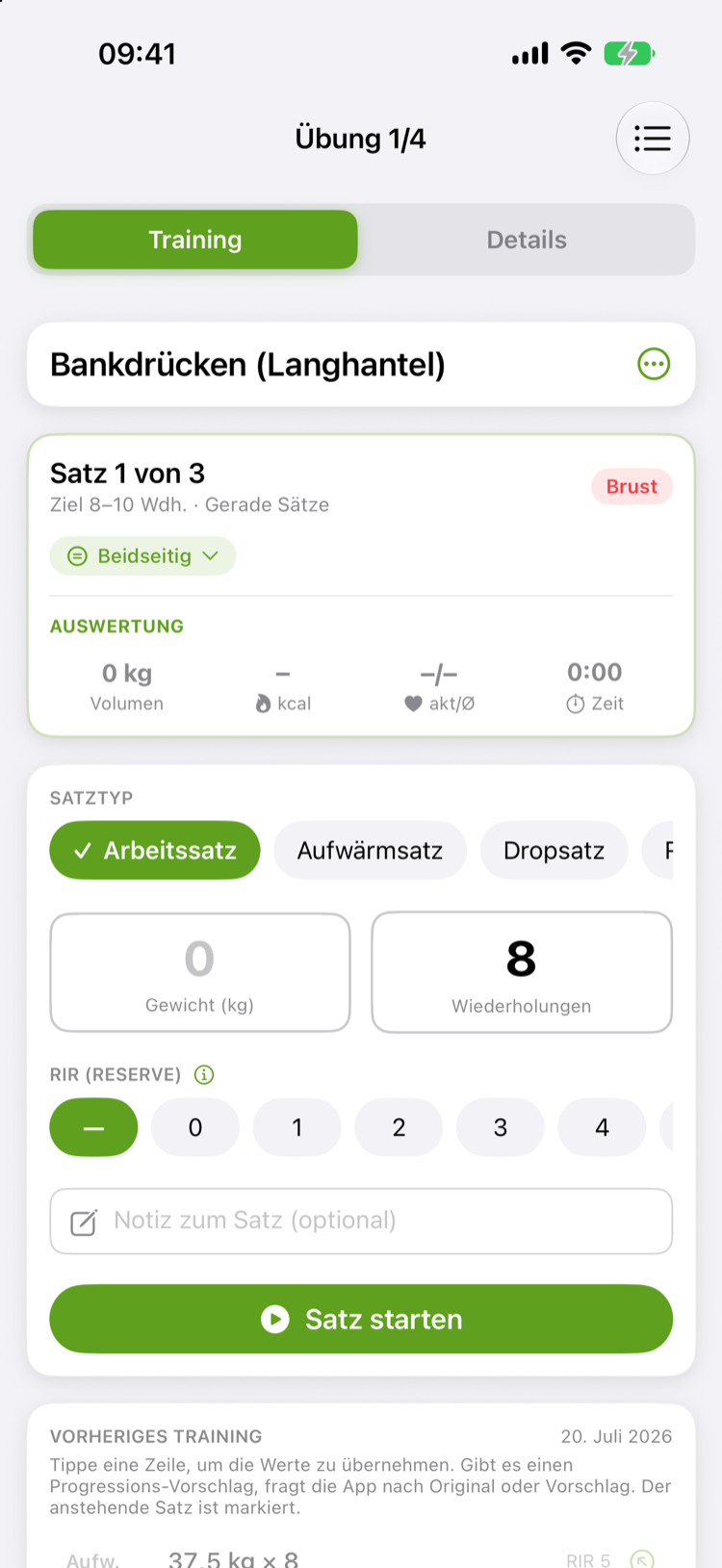
Log sets in seconds – weight, reps, RIR and set techniques, with automatic weight suggestions. The Apple Watch captures heart rate and calories.

See progress

Weekly volume per muscle, balance, recovery, best efforts and 1RM history – plus progress photos and automatic insights. Your progress at a glance.

Features

Everything for your training

Fast logging, smart planning, deep analysis – on iPhone and Apple Watch.

Log sets in seconds

Weight, reps, RIR and set techniques like supersets, drop sets and rest-pause.

🎯

Automatic weight suggestions

After every set, GymLoad suggests the weight and reps for the next one – auto-regulated by RIR from your history: lots in reserve = bigger jump, at your limit = hold.

🧠

Plan assistant

Ready-made templates or fully custom: time budget, focus muscles, supersets, progression, deload & mesocycle preview – with a per-muscle volume check.

⌚️

Apple Watch

Live heart rate, calories and set logging on your wrist – mirrored from iPhone.

🌙

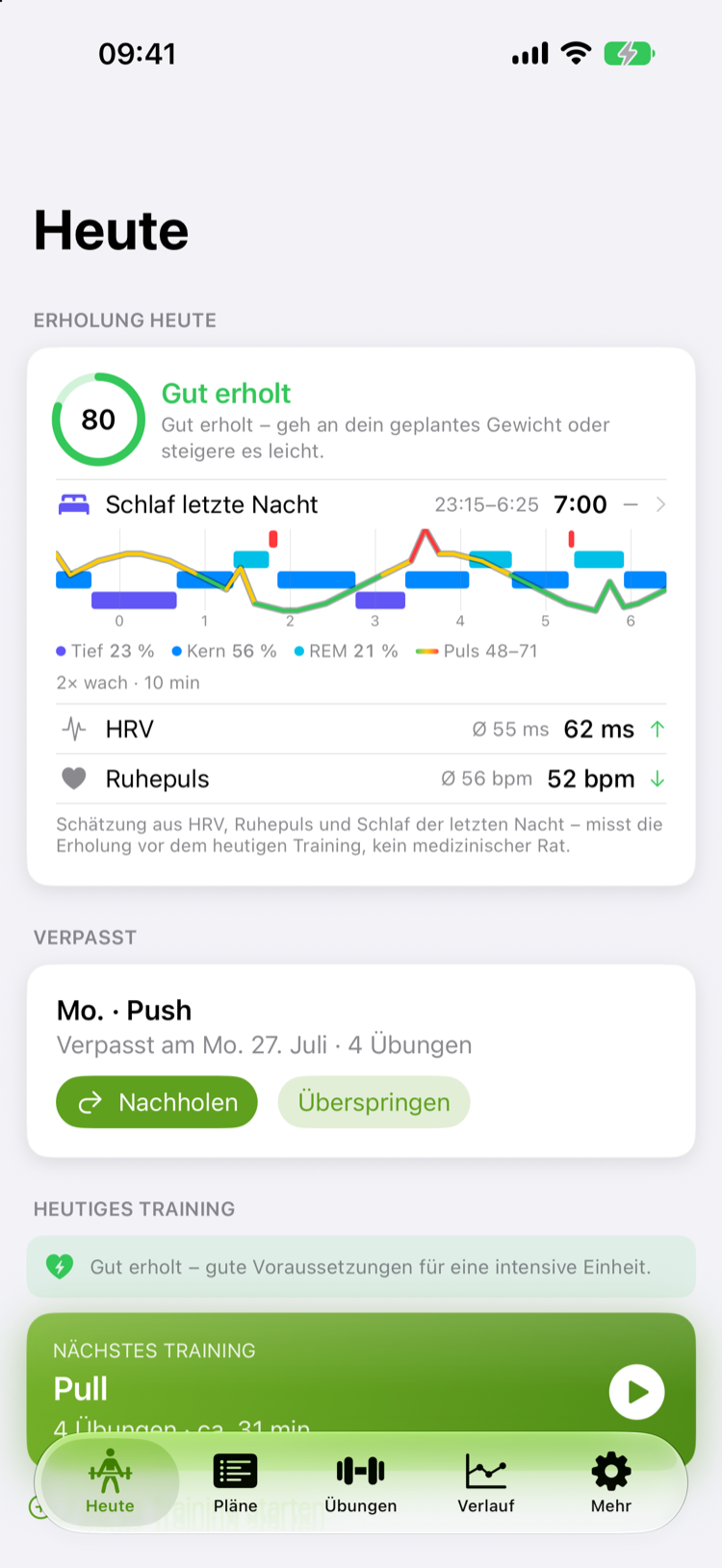
Recovery & readiness

Training readiness from HRV, resting heart rate and sleep – with sleep stages, a clear recommendation and automatic set-count adjustment on weak days.

❤️

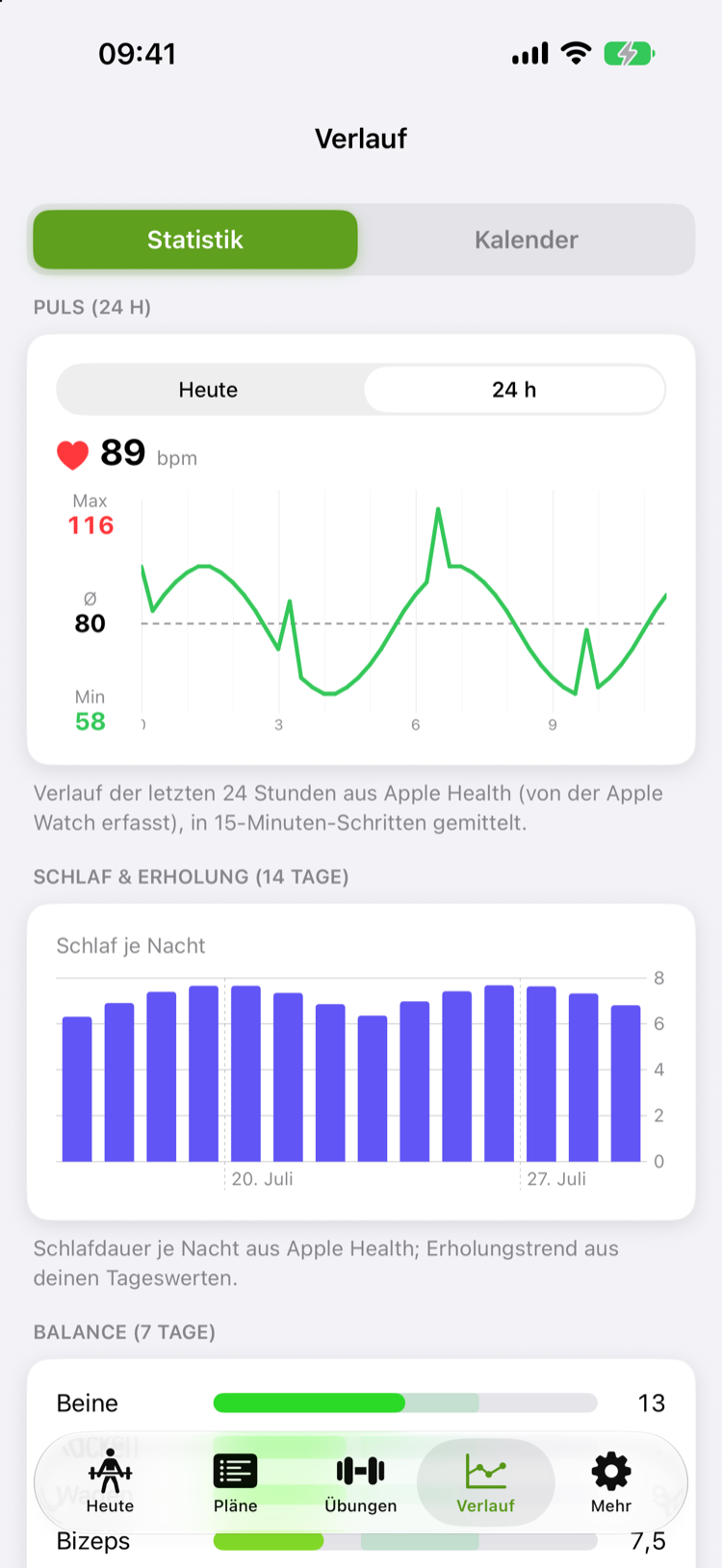
Heart rate history & zones

Live heart rate during training plus a 24-hour history and heart-rate zones in the stats – and as a complication right on your watch face.

📈

Progress, 1RM & insights

Weekly volume per muscle, balance, RIR-based effort, personal records and 1RM trend – plus automatic insights on trends and neglected muscles.

📸

Photos & body measurements

Progress photos as a timeline, body weight and measurements over time – your transformation made visible, all stored locally on your device.

📅

Calendar, streak & badges

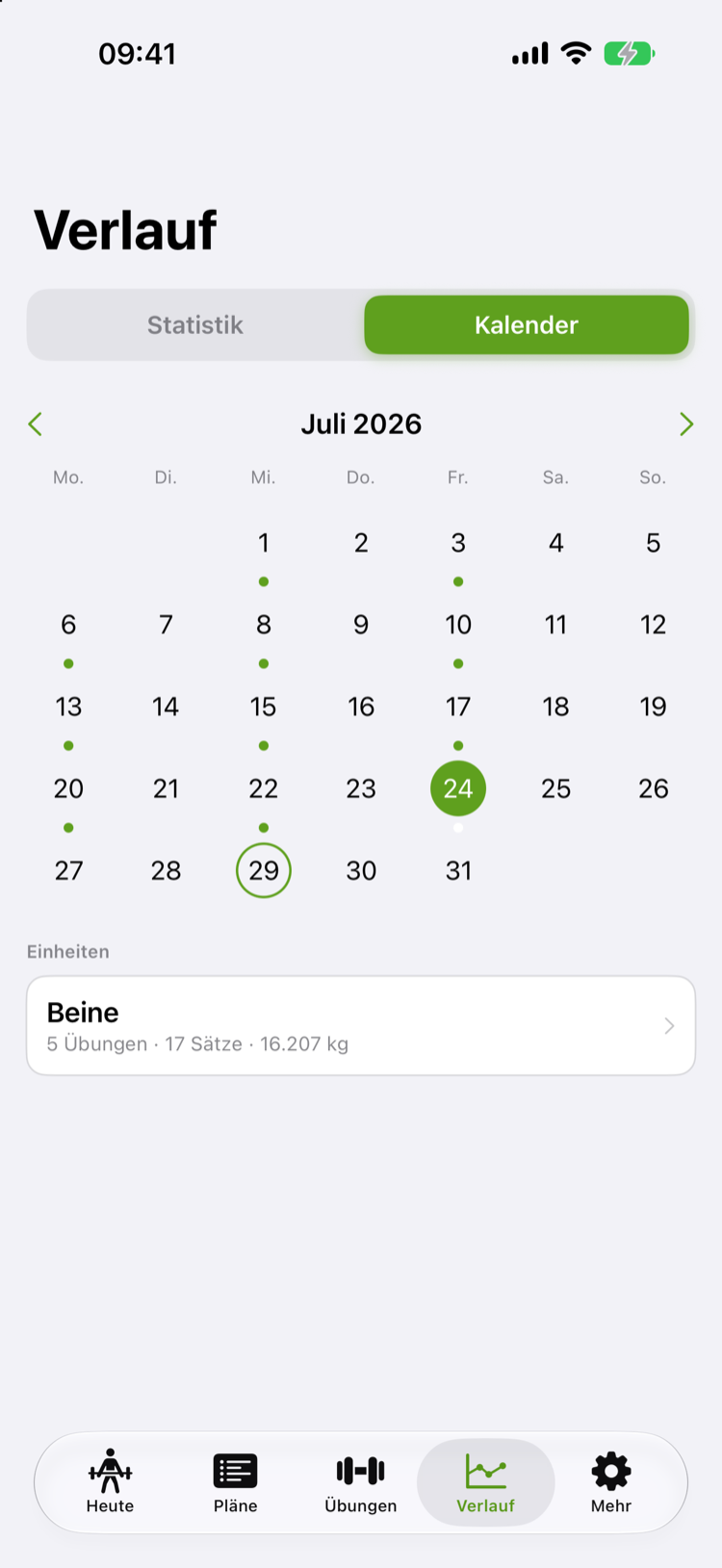
A training calendar with all your sessions, your weekly streak and badges for new personal records – plus optional training reminders.

🫀

Apple Health

Workouts, heart rate, training load and body data in sync with Apple Health – your training data stays with you.

📲

Widgets & complications

Readiness, today’s workout and heart rate at a glance – as a Home & Lock Screen widget and as a complication on your watch face.

🧰

Tools

A strength test for your 1RM, a warm-up calculator and a plate calculator – the little helpers for everyday training.

🧩

Exercises & modes

Unilateral and bilateral execution for a correct 1RM, favorites and fast search across the whole catalog.

☁️

Cloud backup & export

iCloud sync across your devices, a backup of your data and export/import as a file – you stay in control.
A look inside

This is what GymLoad looks like

Clear, fast, focused on training.

Log sets in seconds
Recovery & readiness
Calendar & history
Heart rate history & zones
Apple Watch

Your training on your wrist

Control your session right on the Apple Watch – with live heart rate, a set timer and the weight for each set. Readiness and heart rate are also available as complications on your watch face.

Training on the Apple Watch
Workout overview on the Apple Watch

❤️ Live heart rate & calories · ⏱️ Set timer · 🏋️ Weight per set · ⌚️ Watch-face complications

Pricing

Fair & flexible

Start for free. Upgrade whenever you want – monthly, yearly or one-time (lifetime).

Free

0 €
  • Basic tracking
  • Small exercise selection with images
  • 1 manual plan
Download for free

Ultra

8,99 € / month
  • Everything in Pro
  • Complete catalog: more than 4,400 exercises
  • Cloud sync & backup
  • Data export
Get Ultra

Also available as a yearly subscription (cheaper) and as a one-time lifetime purchase.

FAQ

Frequently asked questions

Is GymLoad free?

Yes. Basic tracking with a small exercise selection is free. Pro and Ultra unlock the full feature set and the complete catalog – with 7 days of Pro free.

How many exercises are included?

More than 4,400 exercises, each with multiple phase images, target muscles and form cues. Free shows a selection, Pro the 100 essentials, Ultra the complete catalog.

Do I need an Apple Watch?

No – GymLoad works entirely on the iPhone and can even record heart rate and calories there. With an Apple Watch you additionally get live heart rate and set logging on your wrist, plus complications on your watch face.

What is the recovery check?

GymLoad analyses HRV, resting heart rate and sleep from Apple Health (e.g. from your Apple Watch) and derives a training readiness from 0–100 with a recommendation. On weak days the app automatically adjusts the set count. This is a wellness estimate, not medical advice.

Can I track photos and body measurements?

Yes. Alongside your training data you keep body weight, measurements and progress photos as a timeline. Everything stays locally on your device or in your iCloud backup.

Does GymLoad give me training suggestions?

Yes. After every set the app suggests the next weight and reps – auto-regulated from your reserve (RIR) and your history. GymLoad also sums up your week in short insights.

What happens to my data?

Your training and health data stays on your device or in Apple Health. There is no advertising tracking.

Which devices does GymLoad run on?

On iPhone (iOS 18 or later) and Apple Watch (watchOS 11 or later), including Home & Lock Screen widgets and watch-face complications. iCloud keeps your data in sync across devices.

Which languages is GymLoad available in?

In five languages: German, English, French, Spanish and Russian – app and exercise catalog.

Can I cancel anytime?

Yes. You manage and cancel subscriptions directly in the App Store settings. Yearly subscriptions start with 7 days free.

Get started

Ready for your best training?

Download GymLoad for free and start your 7 days of Pro free.

Download on theApp Store